CUSTOM TECHNOLOGY CONSULTANTS
UNMONITORED OFFICE TOOLS: New Report Shows Most Small Businesses Use Custom Software—Without Basic Safety Checks
LAS VEGAS, NV — Local business owners are adopting automated software faster than ever, but a major lack of simple office oversight is creating hidden operational risks.
According to new industry data released today by Pax8, two out of three growing businesses now regularly set up their own custom software tools and automated tasks. However, the study revealed a worrying reality: only 36% of those companies double-check if those new tools are safe before using them.
Even more eye-opening for company executives, over one-third of surveyed leaders caught employees using unapproved online software apps at work within the last six months.
For local business owners in Nevada and Florida, the lesson is clear: while automation saves time, letting employees download and link software tools without clear company guidelines opens up serious risks around leaked files, unexpected monthly fees, and lost customer trust.
1. What Happens When Employees Use Unapproved Software at Work
When staff connect new online software tools directly to your customer files or accounting records without checking with leadership, simple tasks turn into costly headaches:
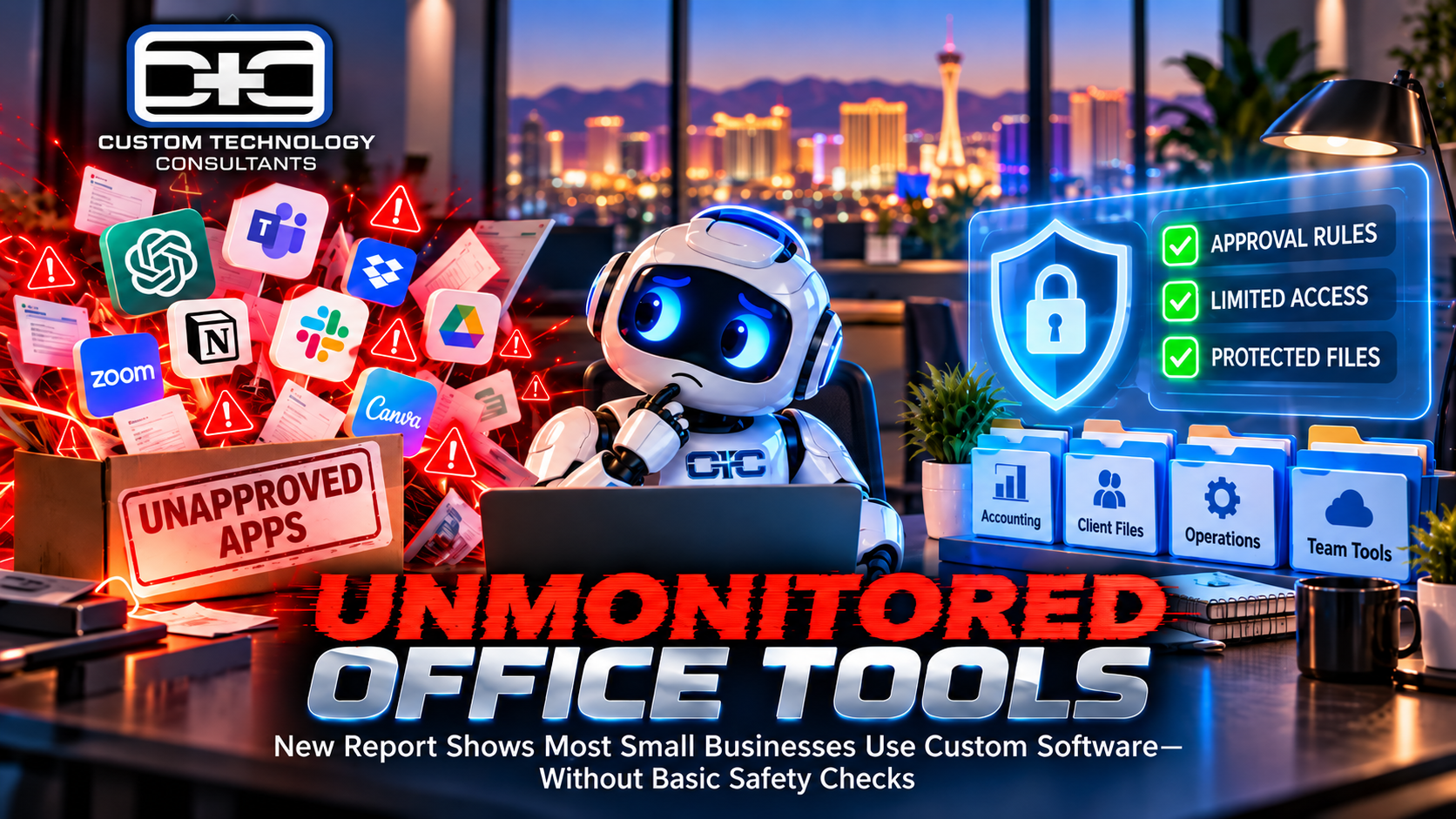
  Unmonitored Software Use:
  Unapproved Online Apps  -  Unchecked Access to Files  -  Risk of Lost Data

  Guided Business Operations:
  Clear Approval Rules  -  Protected Customer Files  -  Safe & Steady Growth
- Unprotected Customer Files: Software tools set up by staff without proper setup can leave sensitive client list files visible to external websites.
- Hidden Apps (“Shadow Software”): When team members use different online tools without asking leadership, you lose track of where company files and receipts are stored.
- Sudden System Disruptions: Unmonitored software tools can break whenever major program updates happen, causing unexpected office downtime and wasted work hours.
2. Three Easy Steps to Keep Your Business Software Safe
You don’t need to stop using helpful new software to keep your business records safe. Follow these three practical rules:
1.List Every Active App & Software Connection:Step 1: Office Inventory.
Make a quick, complete list of all software tools, automated steps, and online accounts currently used across your company computers.
2.Keep Important Folders Private:Step 2: Restricted Access.
Set simple file permissions so new software tools can only open the specific folders needed for their job—keeping core accounting and client lists private.
3.Set a Simple Rule for New Tools:Step 3: Approval Process.
Require employees to get quick manager approval before downloading or trying out new online tools for work tasks.
Comparing Unchecked App Use vs. Guided Business Operations
| Office Safety Standard | Unchecked App Use | Guided Setup (CTC Model) |
| Software Approval | Staff download apps without asking | Quick manager review for all new software |
| File Protection | Open access to main business folders | Strict privacy rules for sensitive files |
| Client Data Privacy | Files shared in open online tools | Protected, private business accounts |
| Daily Operations | Unpredictable glitches & security risks | Reliable, stress-free office technology |
Setting up simple software steps to speed up daily work is a great way to grow your business, but fast work should never put your company files at risk. Establishing simple office rules ensures your business gets all the rewards of modern tools while keeping your private records safe.
— Chuck Moore, Principal Engineer at CTC
Plain-English IT Leadership for Local Business Owners
At Custom Technology Consultants, we help local business owners adopt modern technology safely, protect company files, and eliminate technical headaches without confusing jargon.
With offices in Las Vegas, NV and Clearwater, FL, our veteran-led engineering team acts as your dedicated Fractional CTO partner. We make sure your office computers, cloud files, and software tools remain completely safe, reliable, and easy to use.
WANT TO CHECK YOUR OFFICE SOFTWARE & KEEP YOUR FILES SAFE?
Contact Custom Technology Consultants today to schedule a FREE Infrastructure & Technology Review.
📞 Call or Text: 702-209-0252
📧 Email: [email protected]
🌐 Web: www.getcustomtech.com
EDITOR’S NOTES & SOURCES
- Our Mission: CTC brings practical technical leadership and risk management to growing businesses without expensive executive payrolls.
- October 2026 Industry References: Data derived from findings published in the Pax8 SMB AI Deployment & Governance Benchmark Report analyzing small business software adoption, unapproved software risks, and management best practices.