CUSTOM TECHNOLOGY CONSULTANTS
YOUR LOCAL IT ENGINEER | VETERAN VOICE | CYBERSECURITY | STRATEGY
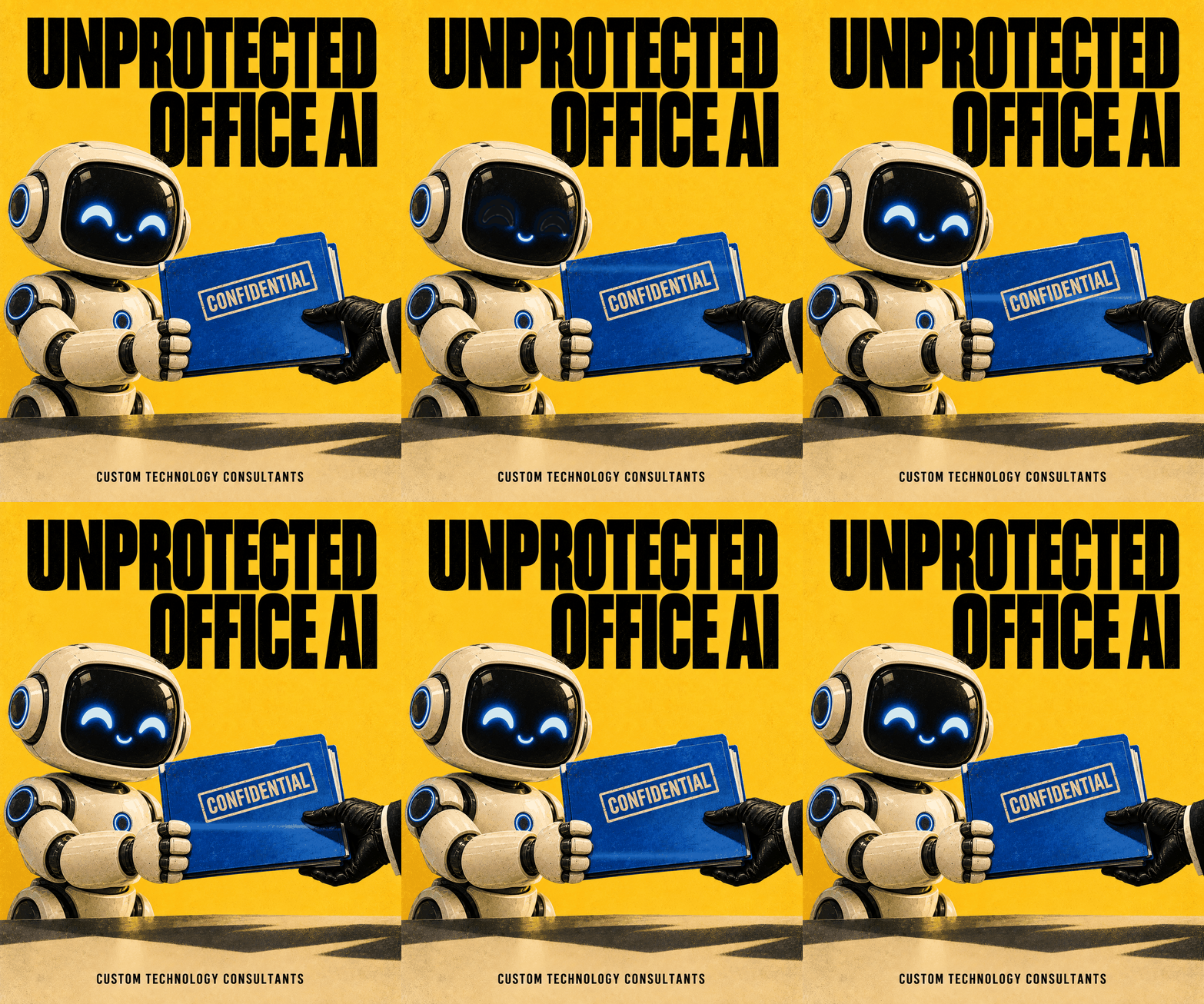
UNPROTECTED OFFICE AI: New Data Shows Most Businesses Are Unprepared for the Risks of New Software Tools
By CHUCK MOORE | Principal Engineer, CTC Published: October 9, 2026
LAS VEGAS, NV — A major warning for local business owners was issued this week as new global survey data revealed that companies are rushing to adopt artificial intelligence tools without putting basic safety rules in place first.
According to a massive survey of nearly 4,000 corporate executives across 71 countries published this month by PwC, protecting artificial intelligence tools from online threats has become the single biggest security blind spot for modern companies. Over half of business leaders admitted their organizations are not ready to defend against attacks targeting these new software tools—ranking this risk above traditional cloud breaches, vendor issues, and ransomware.
The warnings come alongside fresh alerts from federal cybersecurity researchers about new tactics where bad actors trick unmonitored office AI tools into giving away internal company records and customer files.
For local business owners in Southern Nevada and Florida, the takeaway is straightforward: bringing new software tools into your office without clear safety guidelines creates a direct backdoor into your private business files.
1. Why Bringing Unmonitored Software Tools into the Office Creates Big Risks
When office staff connect automated software tools directly to your customer databases and company email without technical oversight, standard firewalls cannot keep your files safe:
  Unmonitored Software Use:
  Open Database Access  -  Data Scams & Accidental Leaks  -  Exposed Business Records

  Governed Business Operations:
  Protected Data Boundaries  -  Clear Staff Guidelines  -  Secured Office Infrastructure
- Accidental Data Leaks: Employees typing confidential customer details, financial spreadsheets, or internal notes into public online AI tools unintentionally share private company records with external servers.
- Bad Data Scams: Cybercriminals can hide malicious commands inside routine business files, tricking unmonitored software tools into running unauthorized tasks or sharing passwords.
- Too Much Access: Giving automated tools broad access across your entire file server means a single compromised tool can expose your whole business.
2. Three Simple Steps to Keep Your Office Software Safe
You don’t need a huge IT department to set up basic safety rules for your business technology. Follow these three practical steps:
1.Use Business-Grade, Private Software Accounts:Step 1: Private Accounts.
Block free, public AI tools on company computers and switch to private business accounts that guarantee your files and client information are never saved or shared online.
2.Give Software Tools Only the Access They Need:Step 2: Limited Access.
Restrict automated office tools so they can only open the specific folders required for their job—preventing them from browsing your main accounting software or customer lists.
3.Set a Simple Company Policy for New Software:Step 3: Clear Rules.
Create a clear, one-page rulebook telling employees what company information can be entered into online tools and requiring approval before downloading new software.
Comparing Unchecked Tool Usage vs. Governed Business Operations
| Business Safety Check | Unmanaged Software Use | Governed Setup (CTC Model) |
| Client Privacy | High risk of private files leaking online | Private accounts with strict zero-data-sharing rules |
| System Access | Tools have open access to all folders | Tools are restricted only to necessary files |
| Safety Oversight | No clear rules on what staff can download | Clear company policies & active technical guidance |
| Business Backup | High risk of sudden data exposure | Safe, reliable setup focused on smooth operations |
New software tools offer incredible productivity boosts, but moving fast should never put your company files at risk. Setting up basic access rules and clear guidelines ensures your business gets all the benefits of modern technology without leaving your digital front door wide open.
— Chuck Moore, Principal Engineer at CTC
Plain-English Technical Leadership for Commercial Business Owners
At Custom Technology Consultants, we help local business owners adopt modern technology safely, secure company networks, and eliminate technical headaches without confusing jargon.
With offices in Las Vegas, NV and Clearwater, FL, our veteran-led engineering team acts as your dedicated Fractional CTO partner. We make sure your hardware, cloud systems, and office software remain completely safe, reliable, and easy to use.
WANT TO MAKE SURE YOUR OFFICE SOFTWARE & FILES ARE PROTECTED?
Contact Custom Technology Consultants today to schedule a FREE Infrastructure & Technology Review.
📞 Call or Text: 702-209-0252
📧 Email: [email protected]
🌐 Web: www.getcustomtech.com
EDITOR’S NOTES & SOURCES
- Our Mission: CTC brings practical technical leadership and risk management to growing businesses without expensive executive payrolls.
- October 2026 Industry References: Data derived from global enterprise survey statistics published in the PwC 2026 Global Digital Trust Insights Report regarding corporate software readiness, data privacy controls, and operational risk management.