CUSTOM TECHNOLOGY CONSULTANTS
YOUR LOCAL IT ENGINEER | VETERAN VOICE | CYBERSECURITY | STRATEGY
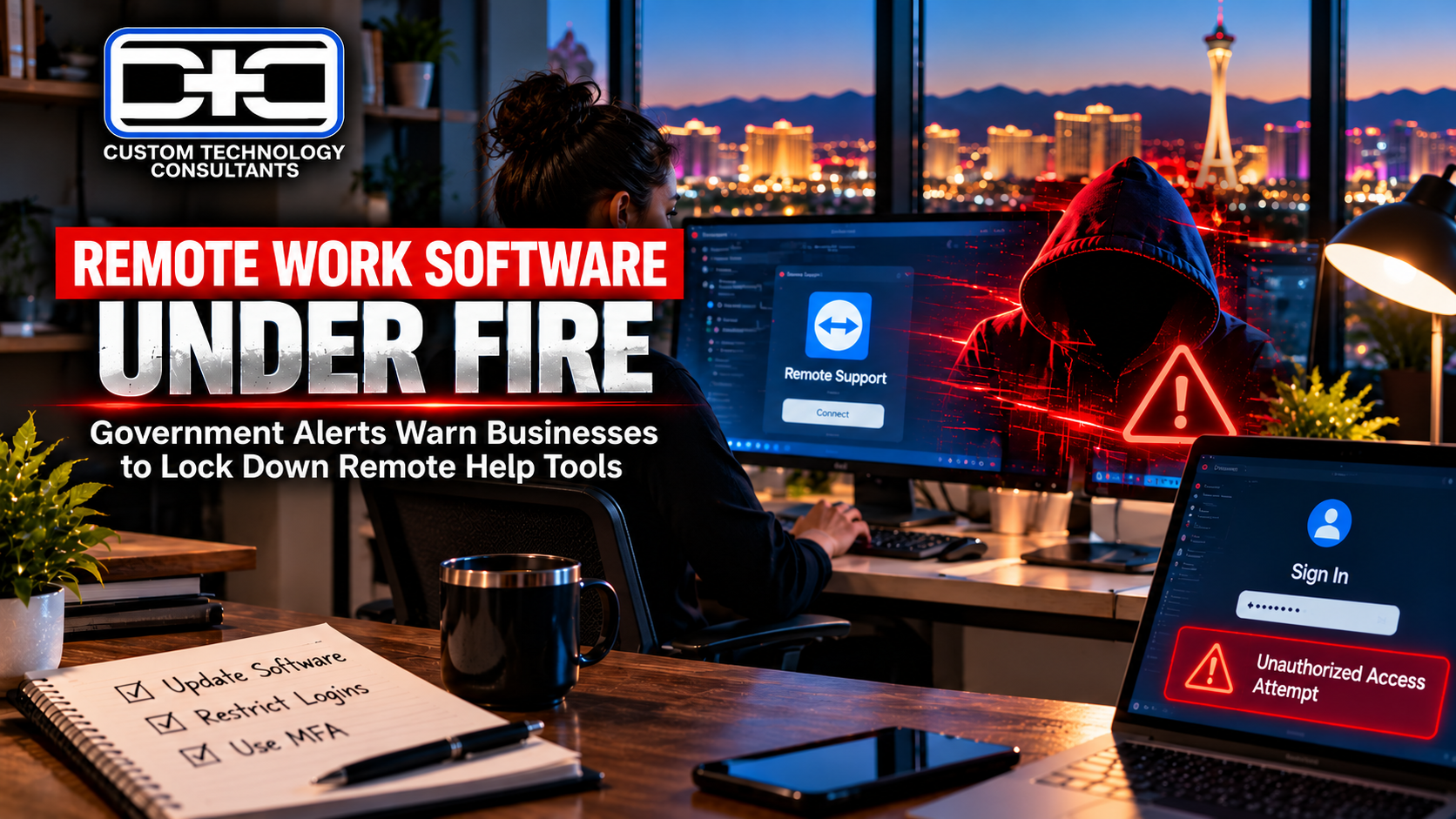
REMOTE WORK SOFTWARE UNDER FIRE: Government Alerts Warn Businesses to Lock Down Remote Help Tools
By CHUCK MOORE | Principal Engineer, CTC Published: October 22, 2026
LAS VEGAS, NV — Federal safety officials issued emergency warnings this week telling business owners to immediately secure the software tools used by offsite technicians to access office computers.
According to alerts from federal cybersecurity teams, online attackers are actively taking advantage of flaws in remote assistance software and office sign-in screens. When these access points are left open, bad actors can quietly log in, take over administrative accounts, and gain complete control over company files and employee computers.
These warnings follow recent security surveys showing that stolen passwords and unmonitored remote access logins are now the top way attackers breach small and mid-sized businesses.
For business owners in Nevada and Florida, the takeaway is clear: the software tools your team uses to work remotely or get technical support can become open backdoors into your office if they are not updated and protected right away.
1. Why Unprotected Remote Tools Put Your Entire Office at Risk
When remote support tools and manager accounts are left unchecked, standard office firewalls cannot stop outside intruders:
  Unmonitored Remote Software:
  Unupdated Sign-In Portals  -  Bypassed Manager Logins  -  Full Access to Office Files

  Guided Business Operations:
  Immediate Software Updates  -  Protected Sign-In Rules  -  Safe & Secure Files
- Targeting Technical Tools: Intruders specifically target remote support software because controlling one technician tool gives them access to every computer connected to it.
- Automated Account Scams: Cybercriminals use automated online tools to search for unupdated login pages, bypassing basic passwords in seconds.
- Unrestricted Network Access: Leaving manager accounts accessible to the open internet lets unauthorized users move freely across your company’s records without setting off basic alarms.
2. Three Easy Steps to Secure Your Office Remote Access
Protecting your company against remote access risks requires simple, disciplined steps. Follow these three practical rules:
1
Install Software Security Fixes Right Away
Step 1: Immediate Updates
Check all remote support tools, office connections, and login pages, and install manufacturer updates as soon as they become available.
2
Keep Manager Access Off Public Networks
Step 2: Restrict Logins
Block public web access to manager login screens, requiring staff to sign in only from approved office connections or trusted networks.
3
Require Extra Login Checks Everywhere
Step 3: Account Verification
Turn on multi-factor login checks (where a code is sent to your phone) for every remote account to prevent stolen passwords from being used.
Comparing Unchecked Remote Apps vs. Guided Office Setup
| Office Safety Standard | Unmanaged Remote Setup | Guided Setup (CTC Model) |
|---|---|---|
| Software Updates | Updates delayed or ignored until tools break | Immediate installation of security fixes |
| Login Screens | Sign-in portals open to the public web | Restricted access limited to trusted office networks |
| Account Protection | Simple passwords open to takeover | Required extra login verification (MFA) |
| File Safety | High risk of sudden remote account breaches | Continuous monitoring & private company records |
Remote work tools make running a modern business faster and easier, but leaving them unprotected puts your entire operation at risk. Installing updates promptly and keeping manager logins off open web pages ensures your remote setup stays convenient for staff and completely closed off to intruders.
— Chuck Moore, Principal Engineer at CTC
Plain-English IT Leadership for Local Business Owners
At Custom Technology Consultants, we help local business owners secure remote access tools, eliminate tech risks, and keep office networks running smoothly without confusing technical jargon.
With offices in Las Vegas, NV and Clearwater, FL, our veteran-led engineering team acts as your dedicated Fractional CTO partner. We make sure your hardware, remote software, and company files remain protected against daily operational threats.
WANT TO CHECK YOUR REMOTE ACCESS & PROTECT YOUR OFFICE COMPUTERS?
Contact Custom Technology Consultants today to schedule a FREE Infrastructure & Remote Access Review.
📞 Call or Text: 702-209-0252
📧 Email: [email protected]
🌐 Web: www.getcustomtech.com
EDITOR’S NOTES & SOURCES
- Our Mission: CTC brings practical technical leadership and risk management to growing businesses without expensive executive payrolls.
- October 2026 Security Advisories: Data references published CISA Known Exploited Vulnerability advisories regarding BeyondTrust Remote Support and Ivanti Connect Secure remote access alerts.