CUSTOM TECHNOLOGY CONSULTANTS
YOUR LOCAL IT ENGINEER | VETERAN VOICE | CYBERSECURITY | STRATEGY
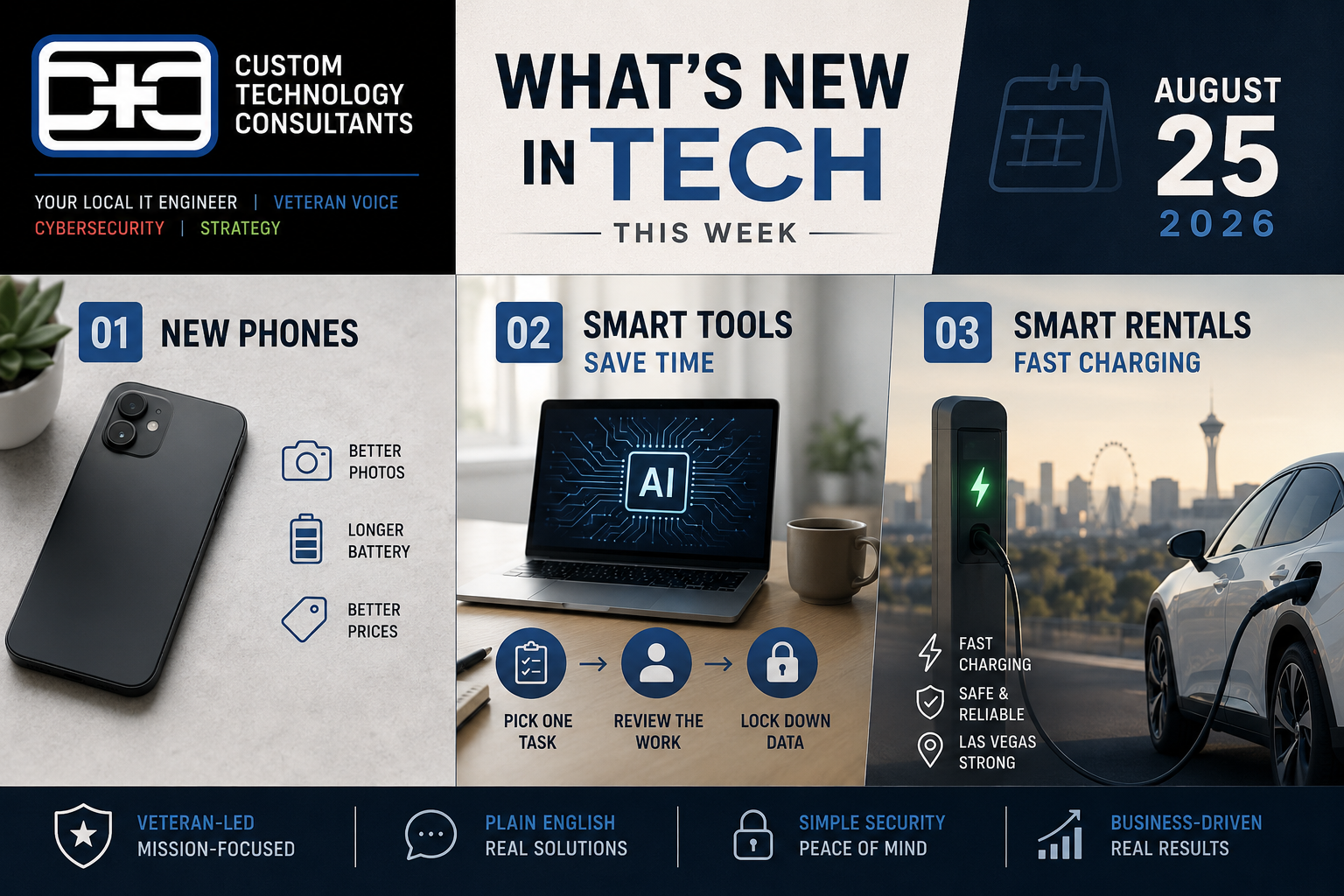
SMART RENTALS, FAST CHARGING, AND NEW PHONES: What’s New in Tech This Week
By CHUCK MOORE | Principal Engineer, CTC Published: August 25, 2026
LAS VEGAS, NV — You do not need a degree in computer science to keep up with news about tech.
Every single week, new tools and gadgets hit the market. Some of these updates make life easier, while others change how we buy products or use our phones.
Here is a quick, plain-English breakdown of three big stories making news right now—and what they mean for you and your family.
1. Smartphone Makers Announce Big Late-Summer Phone News
If you have held off on buying a new phone this summer, you might be in luck.
Major phone makers like Samsung just announced upcoming live events for late August to show off their newest phone models.
Indiatimes
  Old Phone Way:
  Buy expensive flagship phone ──> Heavy battery drain ──> Slow charging ❌

  New Phone Way:
  Better built-in AI helpers ──> Longer battery life ──> Super fast charging ✅
- Better Photos Made Easy: The newest phones rely on built-in software to fix bad lighting and clean up background noise in videos automatically.
- Longer Battery Life: New processors use less power, meaning phones last longer on a single charge.
- Fair Prices: Instead of only showing off $1,200 phones, companies are releasing mid-tier models that offer top features for a lower cost.
2. Smart Tools Are Helping Small Businesses Save Time
Businesses everywhere are starting to use simple software helpers (often called “AI agents”) to do boring, everyday tasks.
Instead of paying a person to type data into a screen for three hours, smart programs can now help organize customer notes, read receipts, and sort incoming emails automatically.
1
Pick One Small Task
Step 1: Simple Setup
Start small by letting software handle just one repetitive job, like sorting customer questions or making daily lists.
2
Review the Work
Step 2: Human Check
Always have a real person double-check the work before sending emails or moving important files.
3
Lock Down Private Information
Step 3: Keep It Safe
Make sure your office computer passwords and private client information stay protected with strict safety rules.
Comparing Daily Tech Features
| Feature | Old Office Software | New Smart Software |
|---|---|---|
| Handles Repetitive Typing | ❌ No (You do it) | ✅ Yes (Saves time) |
| Easy to Use | Requires practice | Uses simple plain words |
| Safety Setup Needed | Basic passwords | Strict safety rules |
Plain-English Tech Help You Can Trust
At Custom Technology Consultants, we help local business owners handle computers, software, and cybersecurity without any confusing tech jargon.
With offices in Las Vegas, NV and Clearwater, FL, our veteran-led engineering team works as your Fractional CTO partner. We help growing companies cut down on software costs, secure company files, and keep tech simple and stress-free.
NEED CLEAR HELP WITH YOUR OFFICE TECH?
Contact Custom Technology Consultants today to schedule a FREE Technology & Security Review.
📞 Call or Text: 702-209-0252
📧 Email: [email protected]
🌐 Web: www.getcustomtech.com
EDITOR’S NOTES
- Our Goal: CTC gives practical, easy-to-understand technology leadership to growing companies without the expense of a full-time executive.
- Simple Security: All CTC reviews focus on clear, straightforward safety rules that keep your private company information safe.