CUSTOM TECHNOLOGY CONSULTANTS
YOUR LOCAL IT ENGINEER | VETERAN VOICE | CYBERSECURITY | STRATEGY
CONVINCING TECH ALERTS: Today’s Microsoft Account Warning Shows Why Fake “System Error” Emails Are Getting Harder to Spot
By CHUCK MOORE | Principal Engineer, CTC Published: November 25, 2026
LAS VEGAS, NV — Security teams issued a new warning today after confirming that outside intruders accessed basic business account details—including manager email addresses and system setup information—from a Microsoft account tool.
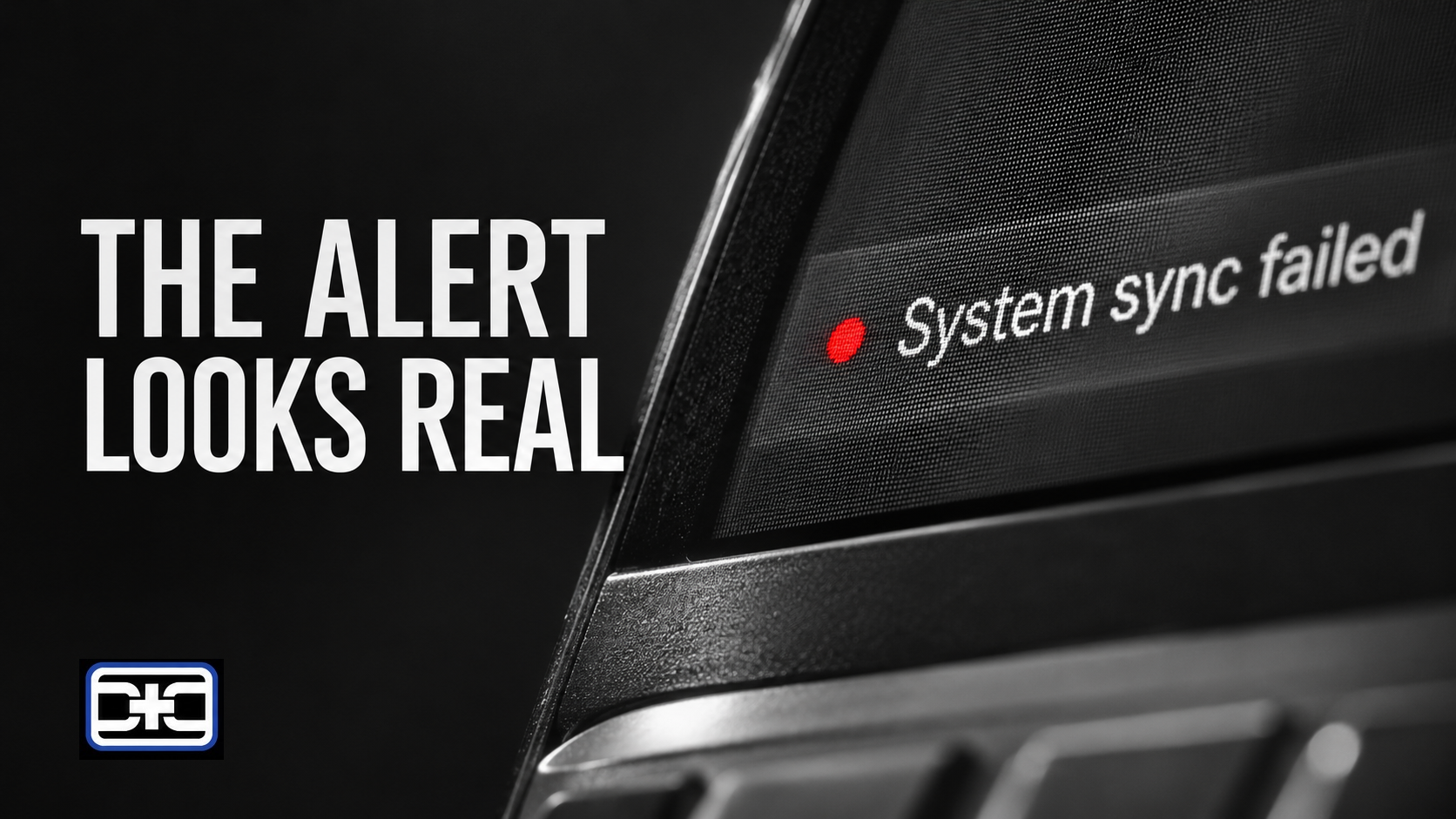
While Microsoft confirmed that actual passwords and private company files were not stolen in this incident, safety experts are warning business owners about the real danger that comes next: highly convincing fake tech-support emails. Because intruders now know real manager email addresses and accurate details about how company accounts are set up, they can send trick emails claiming a “system sync failed” that look completely authentic.
For business owners in Las Vegas and Clearwater, today’s news is a timely reminder as companies head into the busy holiday season: never trust an urgent “system warning” email blindly—even if it includes real details about your office setup.
1. Why Realistic “System Error” Emails Fool Busy Office Staff
When trick messages include real names, accurate company details, or familiar logos, relying on staff to guess whether an alert is real puts your company accounts at risk:
  Unchecked Email Alerts:
  Fake "System Error" Email  -  Staff Clicks Link to Sign In  -  Stolen Office Password

  Guided Business Operations (CTC Model):
  Direct Portal Check Rule  -  Extra Phone Sign-In Codes  -  Safe & Protected Accounts
- Believable Tech Alerts: Scammers send messages claiming an office tool failed overnight, urging managers to click a link right away to review the problem.
- Lookalike Login Screens: Clicking links inside fake tech alerts leads to realistic sign-in pages designed to capture your real company username and password.
- Rushed Holiday Decisions: During busy year-end weeks, employees rushing to fix an apparent computer glitch are far more likely to sign in without double-checking where the message came from.
2. Three Easy Steps to Protect Your Office Accounts from Fake Tech Alerts
Keeping your company logins safe does not require confusing technical jargon. Follow these three practical rules:
- Step 1: Never Click Links in “Account Warning” Emails Set a simple rule for your team: if an email says there is a problem with Microsoft, your bank, or any work tool, do not click the link inside the email. Open a fresh web browser window and go directly to the official website to check your account status.
- Step 2: Turn On Extra Phone Sign-In Checks Everywhere Require a quick confirmation code sent to your mobile phone whenever anyone signs in to company email or cloud folders—so even a stolen password cannot open your account.
- Step 3: Verify Urgent IT Messages with Your Engineer Encourage staff to forward any unusual “account sync” or “password reset” alerts directly to your IT leadership before taking action.
Comparing Unchecked Email Alerts vs. Guided Office Setup
| Office Safety Check | Unmanaged Setup | Guided Setup (CTC Model) |
|---|---|---|
| Handling Tech Alerts | Staff click links inside warning emails | Staff sign in directly through official websites |
| Account Logins | Single passwords open to lookalike sites | Required extra phone sign-in codes on all accounts |
| Staff Guidelines | Employees left guessing which alerts are real | Clear, simple rules for verifying system notices |
| Daily Operations | High risk of stolen logins & account lockouts | Safe, steady systems built for smooth growth |
The most convincing scams don’t look like obvious junk mail anymore—they look like helpful reminders from tools your office uses every day. Training your team to skip email links and log in directly through official websites stops lookalike sign-in traps in their tracks.
— Chuck Moore, Principal Engineer at CTC
Plain-English IT Leadership for Local Business Owners
At Custom Technology Consultants, we help local business owners protect their company accounts, eliminate technical headaches, and train staff with simple, practical rules—without confusing jargon.
With offices in Las Vegas, NV and Clearwater, FL, our veteran-led engineering team acts as your dedicated Fractional CTO partner. We make sure your office email, cloud accounts, and daily operations remain completely secure and easy to manage.
WANT TO CHECK YOUR ACCOUNT SAFETY & LOCK DOWN YOUR OFFICE LOGINS?
Contact Custom Technology Consultants today to schedule a FREE Infrastructure & Security Review.
📞 Call or Text: 702-209-0252
📧 Email: [email protected]
🌐 Web: www.getcustomtech.com
EDITOR’S NOTES & SOURCES
- Our Mission: CTC brings practical technical leadership and risk management to growing businesses without expensive executive payrolls.
- November 23, 2026 Tech News: Reporting based on today’s Microsoft security advisory regarding exposed business account metadata and follow-on targeted email scam warnings (Help Net Security, Nov. 23, 2026).